
On your own PC
The standard setup: a Windows 10 or 11 PC on the same network as your recorder. Recordings are analysed there and not uploaded for analysis.
Product
FOXcam reads the footage your CCTV has recorded, on your own computer, and turns it into a short report every morning, alerts within seconds, and answers you can search. It does not replace your cameras or recorder.
Six things FOXcam hands back from a day of footage.
109 ready-made reports as PDF and Excel: daily, weekly and monthly, chosen for your kind of business.
After-hours movement, restricted areas, a covered camera or a long queue, with a boxed photo in the app and on the phone, and on WhatsApp (beta).
Every event with its time, camera, snapshot and clip, searchable and reviewable by your team.
Find "white car" or "red shirt", or ask "busiest hour on Saturday?", answered from your own counts.
A whole day of one camera in a few minutes, so you can see the day instead of scrubbing it.
Reports and alerts in the app and on the phone, on WhatsApp and email in beta; live view and playback from outside the site through our relay in India.
Walkthrough
From finding the cameras to the morning report: eight screens of the real Windows app.
Real screenshots of the Windows app, taken with demonstration data: the shop “Sample Stores” and public sample footage, not a customer. The colours inside the app differ from this website.

A network scan lists every camera and recorder it finds, with the brand, and a Set up button for each.

Choose the brand, type the address and login once, and pick how many channels to look for.

Every recording becomes a job you can follow, pause or resume, by camera, day and hour.

People and vehicles counted, after-hours events to review, cameras working, entries by hour, and a box to ask a question.

Type what to watch for, such as "Tell me if anyone is on the Entrance camera after 10 pm", and check what it understood before it starts.

A daily score for each camera, with what went wrong: offline, covered, moved or not recording.

Each day’s reports in one place, as PDF, Excel and CSV, with the morning message beside them.

What needs attention first, the day’s numbers, what was unusual, and entries by hour.
How it works
 01
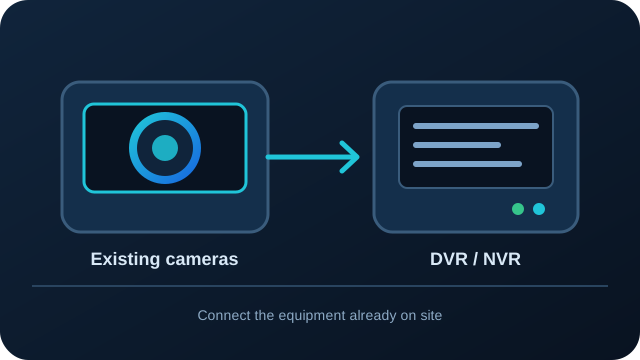
The built-in network scan finds your DVR, NVR or IP cameras. No new cameras: it works with the ones you have, analog or IP.
 02
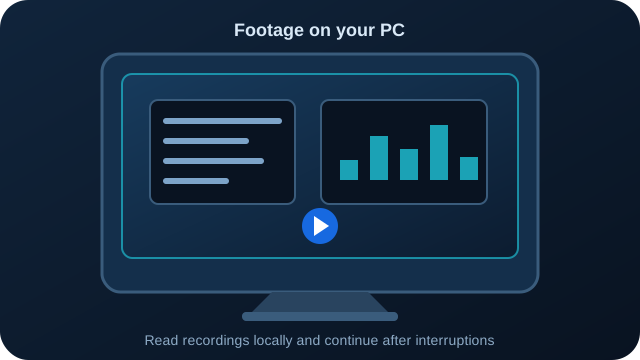
It downloads recordings from the recorder, records IP camera streams, or reads files from a pen drive, and skips still footage. After a power cut it carries on where it stopped.
 03
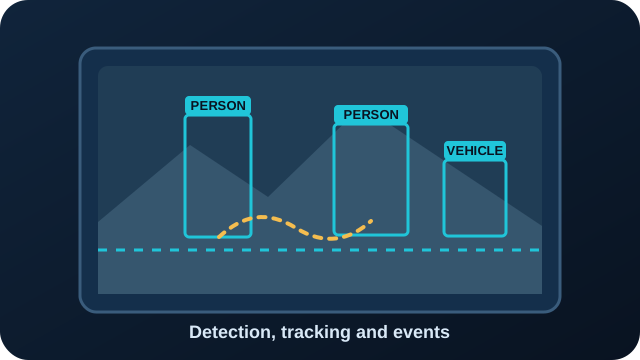
People and vehicles are detected and tracked; counting lines, zones and the rules for your kind of business turn them into counts and events.
 04
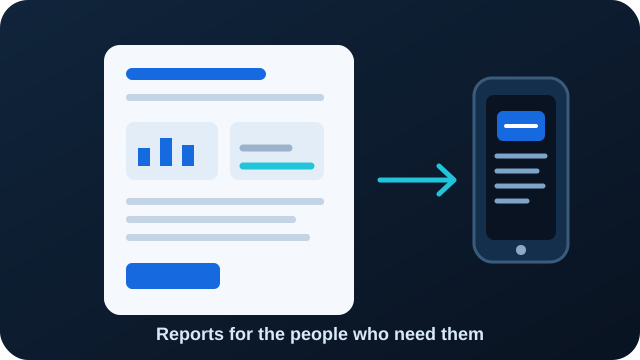
A morning report and alerts with photos (WhatsApp and email are in beta), PDF and Excel reports in the app, and the phone app for live view and playback.
Without the internet, analysis and reports carry on; messages wait and are sent when it returns.
Reports
The numbers first, the PDF attached, and anything from the night named plainly. Here is a real one.
FOXcam – Shop / supermarket
Daily summary · 24 Oct 2026
👥 People entered: 16
🚗 Vehicles entered: 0
⏰ Busiest hour: 21:00
🌙 After-hours events: 1
📷 Cameras working: 1/5 · no footage: 4
⚠️ Needs attention:
• 22:30 Entrance – After-hours activity for 1 min: people
• Billing counter, Cash room, Channel 1, Channel 2: no footage
🛍️ Shop floor:
• Came in 16 → Stayed 14
Full report attached (PDF).
07:00 ✓✓
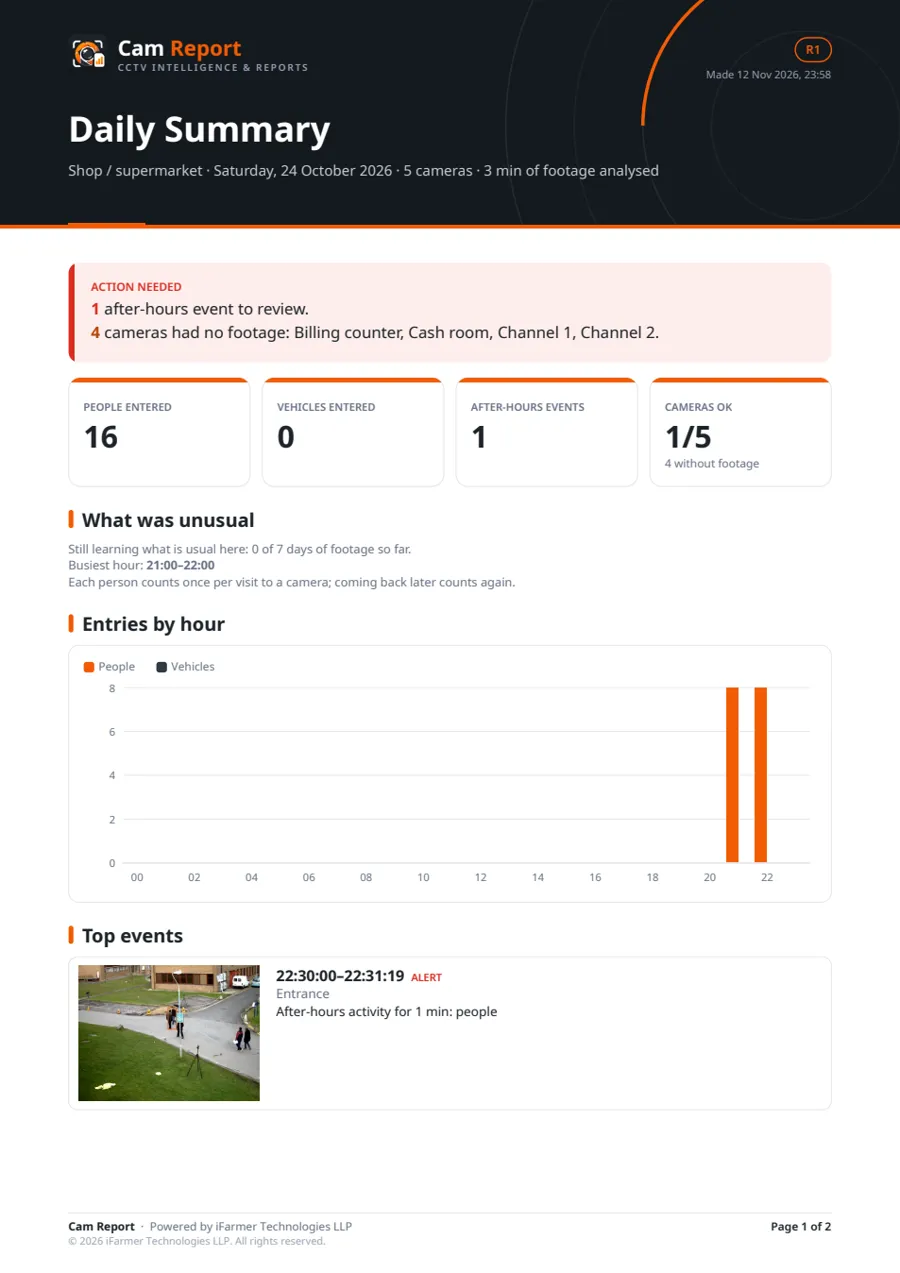
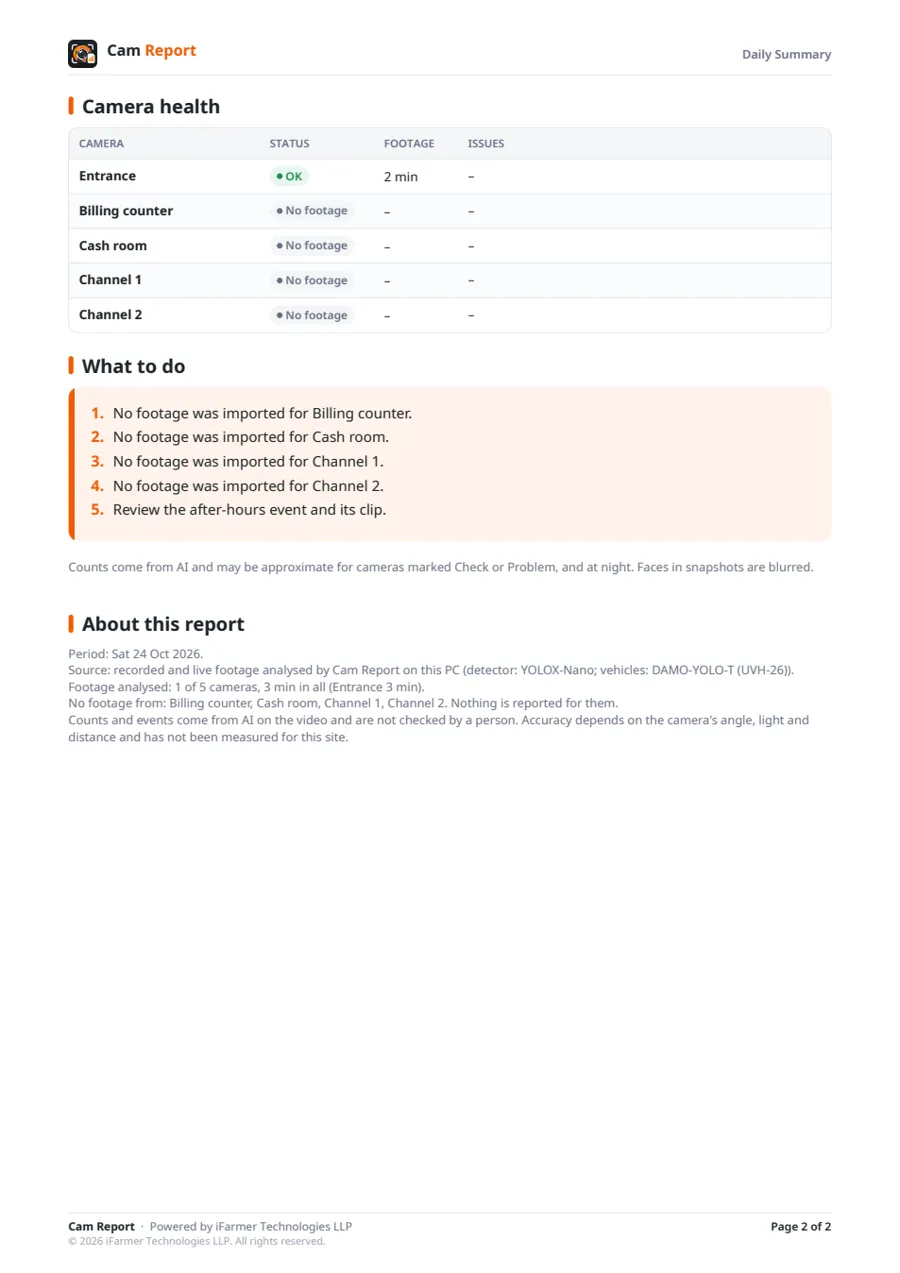
Daily Summary, Event Log and After-Hours for every site, more than 90 others for your kind of business, in English, Tamil and Hindi for the Daily Summary.
Sample report generated using demonstration footage: a 3-minute test run on a public clip, so 4 of its 5 cameras show no footage. It is not a customer's report; reports for your site come from your own recordings.
AI capabilities
Each capability says what it does and what to keep in mind. Checks that flag moments for a person to look at are marked so.
Counts people in and out at a door or gate line, once per visit, with your own staff left out when they can be told apart.
Where it helps: Shops, offices, schools, hospitals, apartments.
Good to know: Counts are approximate; crowded doorways and night footage are harder.
Cars, two-wheelers, autos, buses and trucks counted separately, using a model trained on Indian traffic.
Where it helps: Gates, petrol bunks, warehouses, factories, apartments.
Good to know: Measured on daytime pictures; very close cameras and night are not measured yet.
Visitors by hour and day, busiest hour, walk-in rate, time spent and how a day compares with last week.
Where it helps: Retail, supermarkets, restaurants, showrooms.
Good to know: Each camera counts on its own; following one person across cameras is planned, not available yet.
Anyone seen after closing, in a restricted zone or at the perimeter: an alert with a boxed photo (in the app and on the phone; on WhatsApp in beta) within seconds while watching live, and in the morning report.
Where it helps: Every site that closes at night.
Good to know: Live alerts need the camera to be watched live; recorders downloaded later alert after the download.
Reads state plates, the BH series and two-line plates, and logs every vehicle in and out with how long it stayed.
Where it helps: Gates, docks, parking, petrol bunks.
Good to know: Needs a camera aimed at plates; small or blurred plates are marked not readable.
Type what you remember, such as "man in a black jacket on a scooter", and it looks through every person and vehicle it saw.
Where it helps: Any incident you need to find quickly.
Good to know: Matches are marked strong, possible or weak for you to check.
The standard setup: a Windows 10 or 11 PC on the same network as your recorder. Recordings are analysed there and not uploaded for analysis.
A small computer with FOXcam already installed, for sites without a spare PC. Price on request, with a one-year warranty.
Upload only the hours that matter, with a one-time code. Raw footage is deleted from our servers after 7 days.
Compatibility
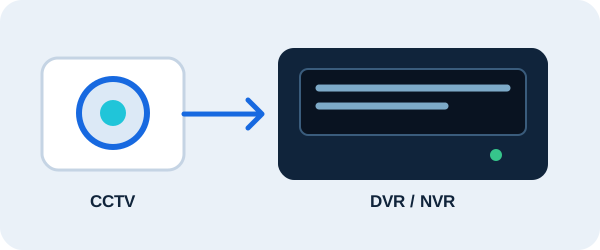
Pulls recordings straight from the DVR or NVR over your network, at network speed.
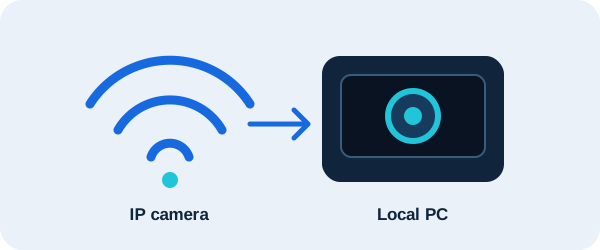
Records the live stream of most IP cameras, finding the stream address itself where the camera allows. Analog cameras work through their DVR.
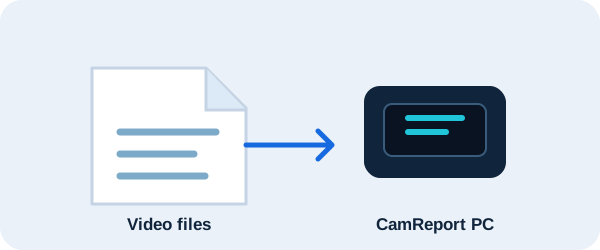
Export footage from any recorder to a pen drive and drop the files in. Brand file formats such as .dav are read too.
Not sure which cameras you have? Tell us the brand on the recorder's label and we will tell you how it connects. The setup guide shows each step.
Check my camerasChoose your type of business and the right reports and checks are switched on for you.